
Activate a kit
Got your kit?Activate it first
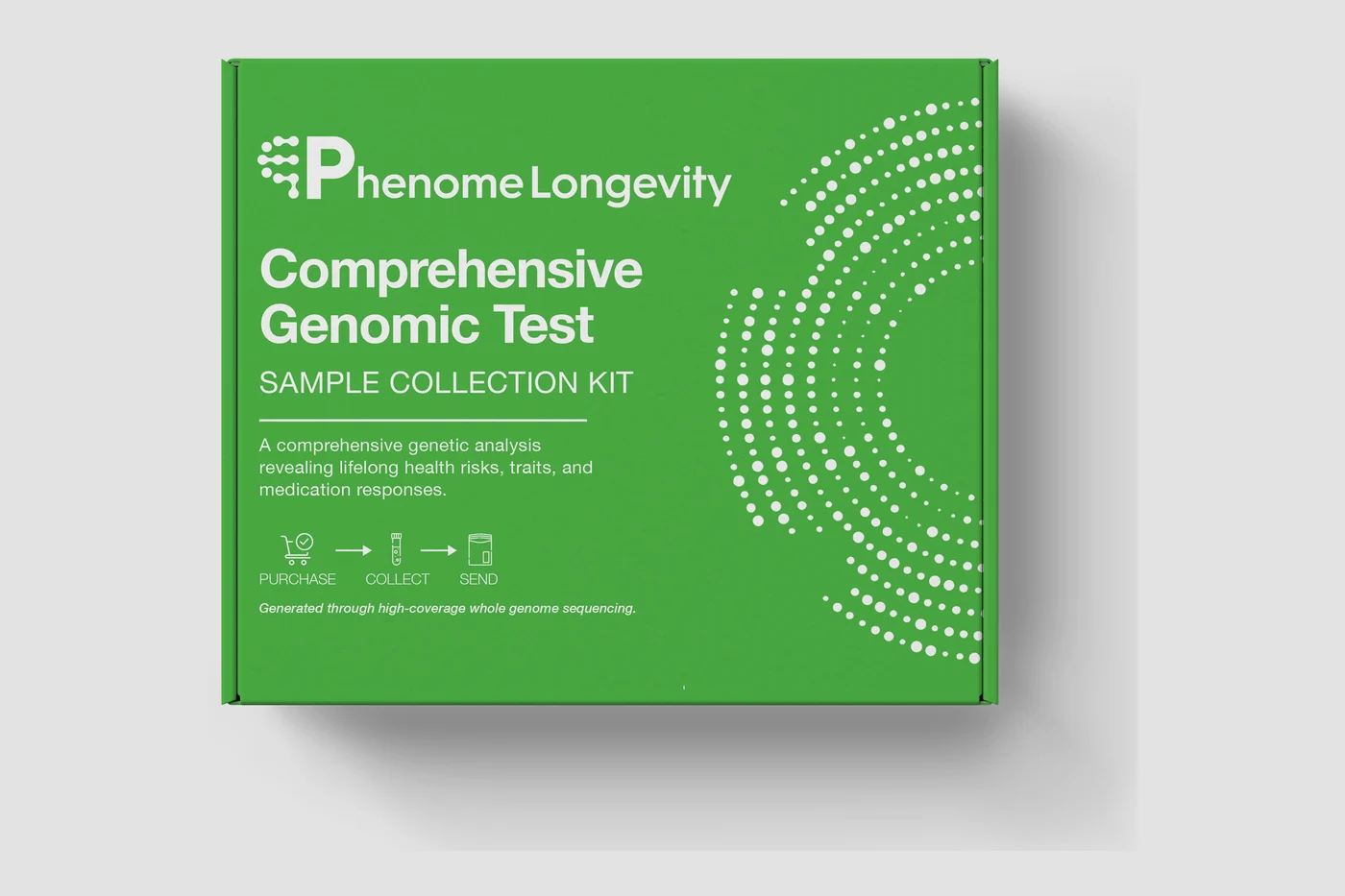
Open the Phenome app, tap Activate a kit, and scan the code inside the box. This links your sample to your account, so we can send your results to the right place.
- The Phenome appActivate in
- Kit IDThe code inside the box
- No results releasedWithout it
Four simple steps,To activate your kit
Activate your kit before you collect your sample, so we can link it to your account.
01Open the Phenome app
Sign in with the email you used to order, so your kit is added to the right account.
02Choose “Activate a kit”
In the app, you’ll find it under Profile.
03Kit ID
Each kit has its own ID. Activating it links your sample to you.
04Collect, then post it back
Follow the guide in the box and post your sample back in the prepaid envelope, ideally before midday.
Why activating your kit matters
It links your sample to you
Activation tells the lab whose sample it is. Without it, we can’t match your sample to your account or send you your results.
It sends your results to the app
Activation is how your report reaches your account. Once the lab has processed your sample, your results appear in the Phenome app, typically 2 to 4 weeks after it arrives.
It affects returns
Unopened kits can be returned within 30 days. Once a kit is activated or a sample is sent, it can’t be refunded, so make sure you activate the right kit.
If something isn’t right
The code won’t scan
The kit arrived damaged, or my sample failed
I’ve ordered more than one kit
I’m activating for a child
I activated weeks ago and heard nothing
Phenome tests are for wellness and information only and are not a substitute for professional medical advice, diagnosis or treatment.
Need help activating your kit?
Our support team is here to help. Have your order number ready when you get in touch.